From one sentence to a running app
A complete walkthrough of what you actually see when you build an app here — captured start to finish while building a real booking site for a hair salon.
Every screen is the live product. Where a step was driven by something typed into the app, the exact wording is shown with it — so this doubles as a script you can follow.
- 01
Pick what you're building
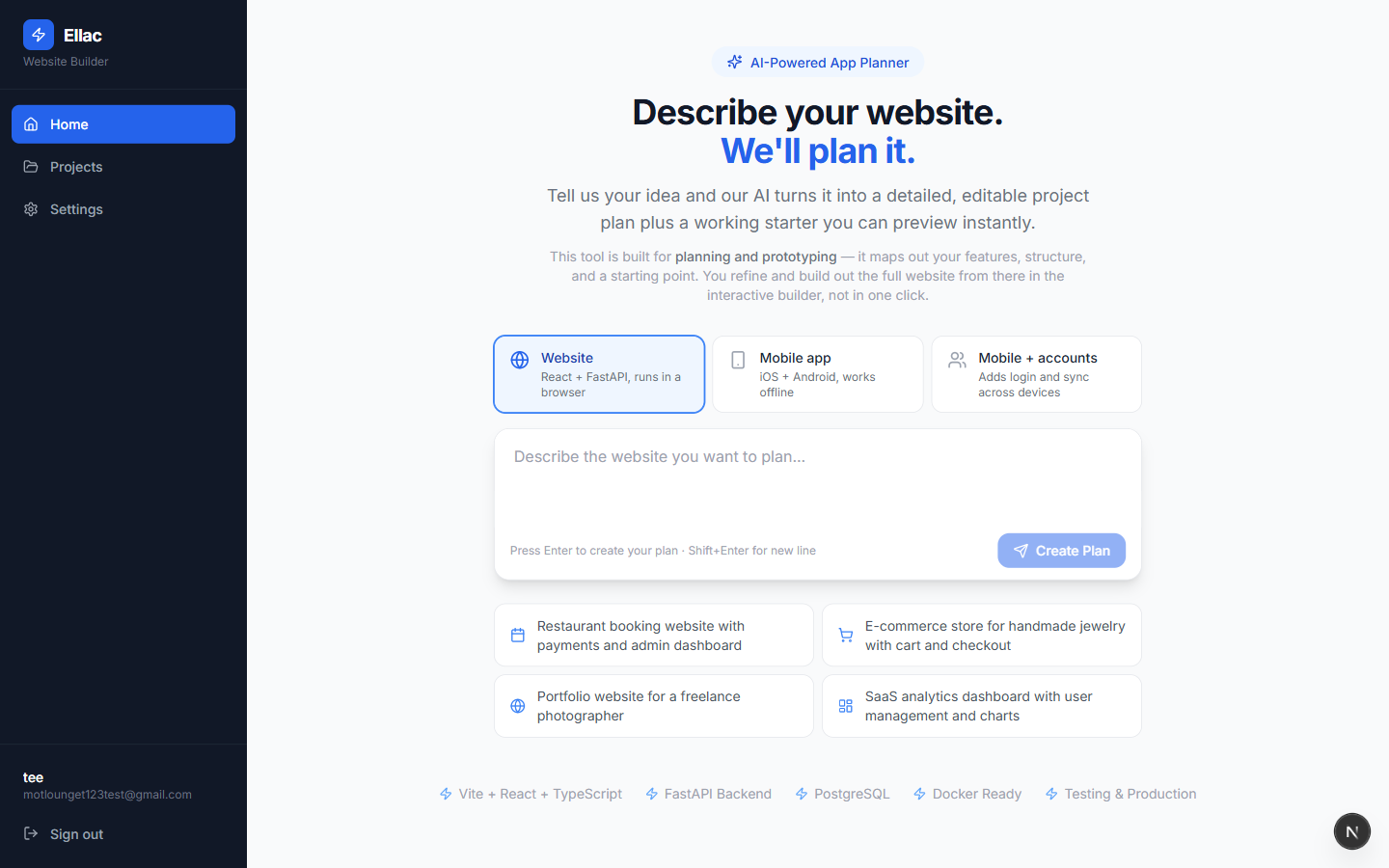
The entry screen. Three starting points — a website, a mobile app, or a mobile app with accounts and sync. Everything else is one plain-English description; no technical questions yet.
- 02
Describe it in your own words
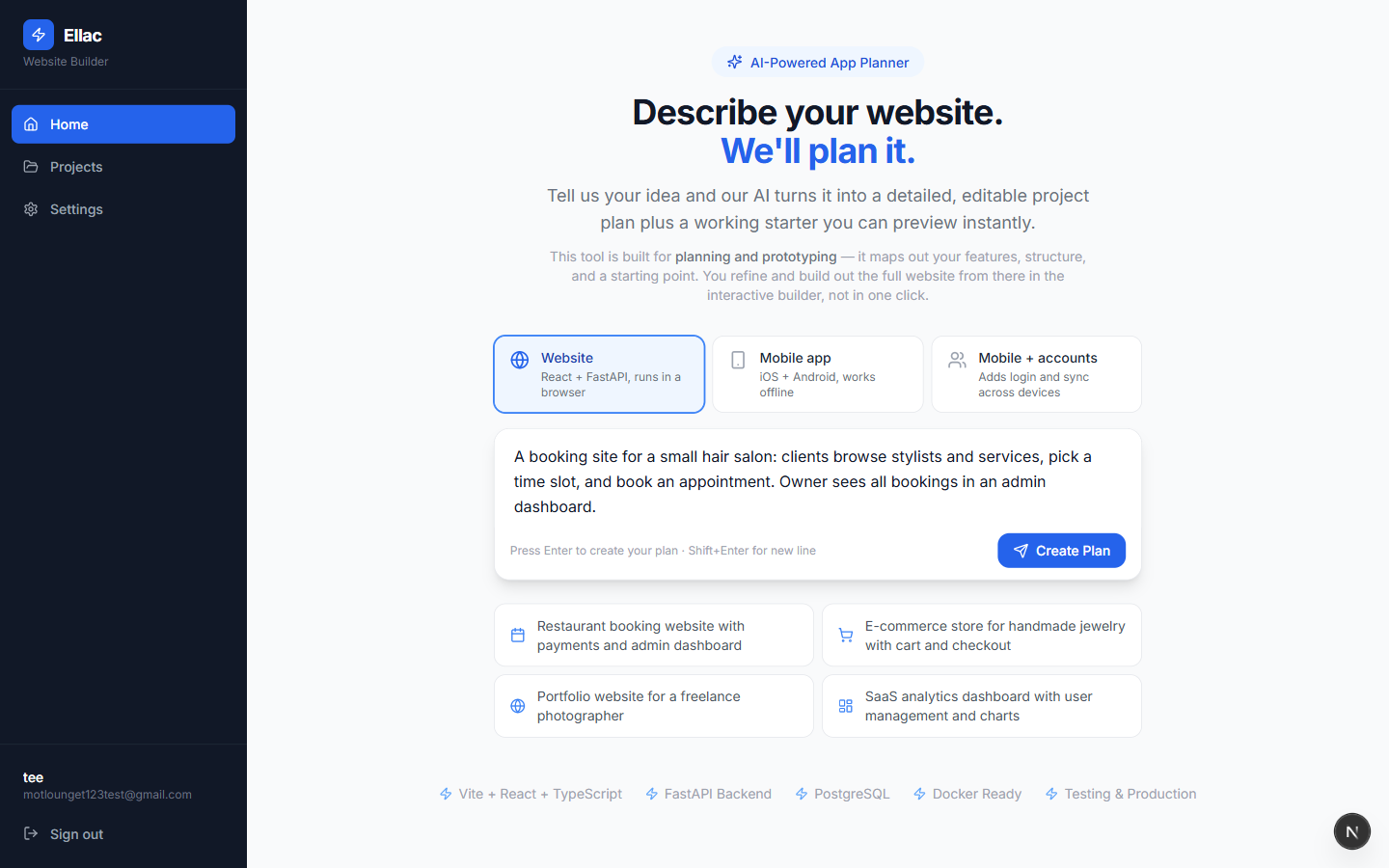
The brief is written the way you would explain it to a person: who uses it and what they do. Nothing here names a framework, a database, or a page structure.
Typed by the userA booking site for a small hair salon: clients browse stylists and services, pick a time slot, and book an appointment. Owner sees all bookings in an admin dashboard.
- 03
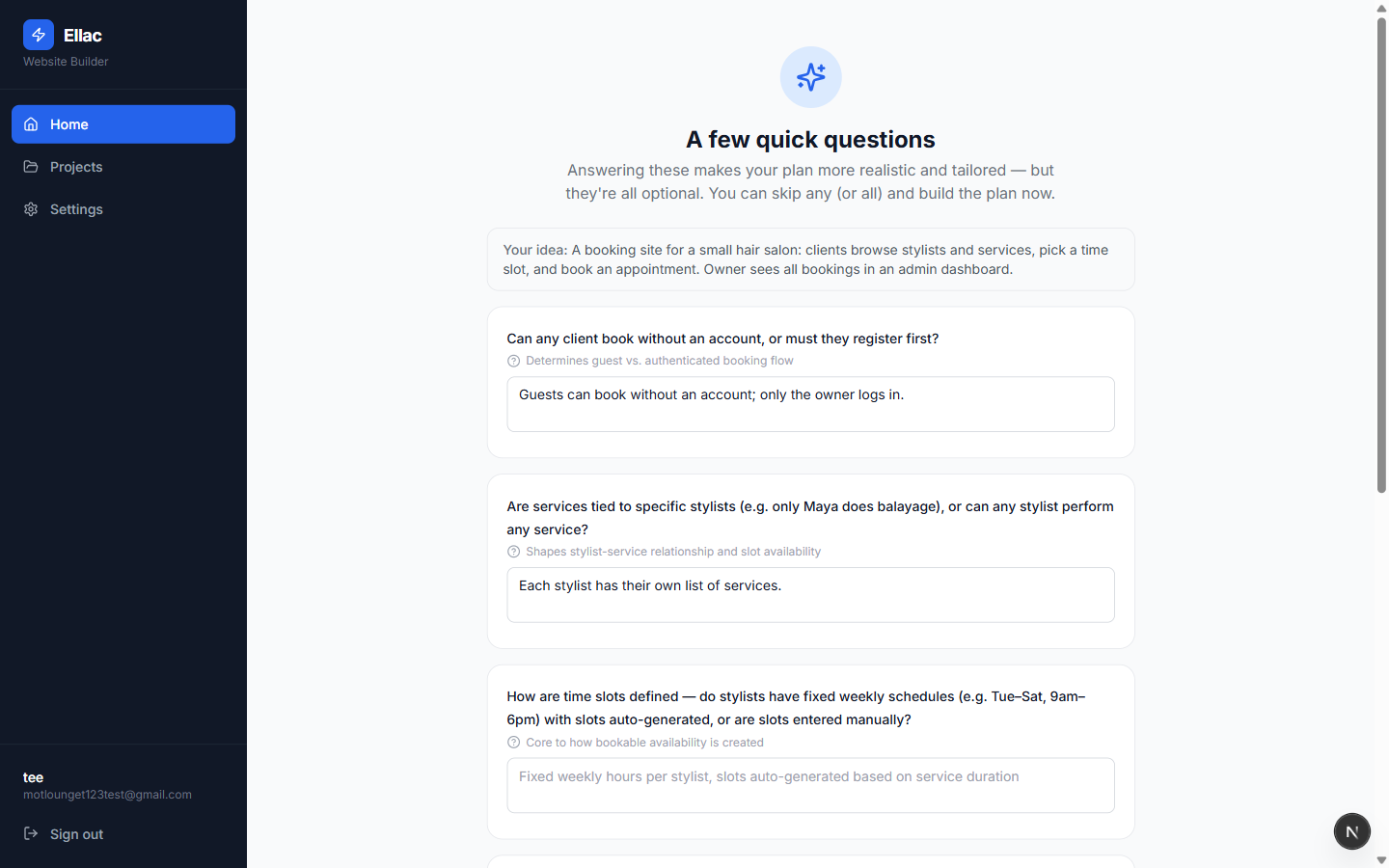
It asks what it cannot infer
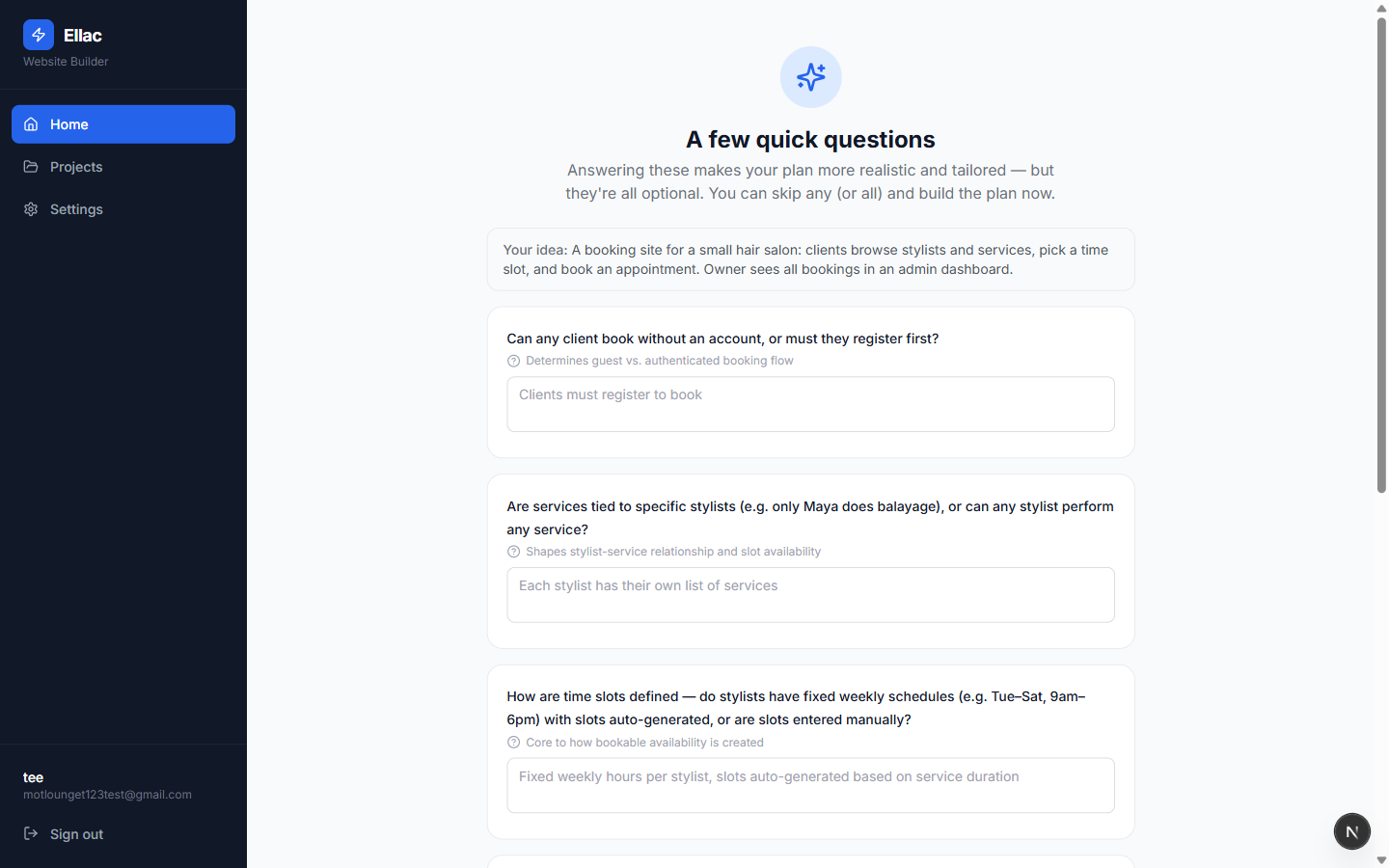
Rather than guessing, it comes back with a handful of targeted questions — each paired with a note on why it matters, like determines guest vs. authenticated booking flow. All of them are optional.
- 04
Your answers steer the build
Two answers here change the shape of the product. Both show up in the plan and in the data model.
Typed by the userGuests can book without an account; only the owner logs in. Each stylist has their own list of services.
- 05
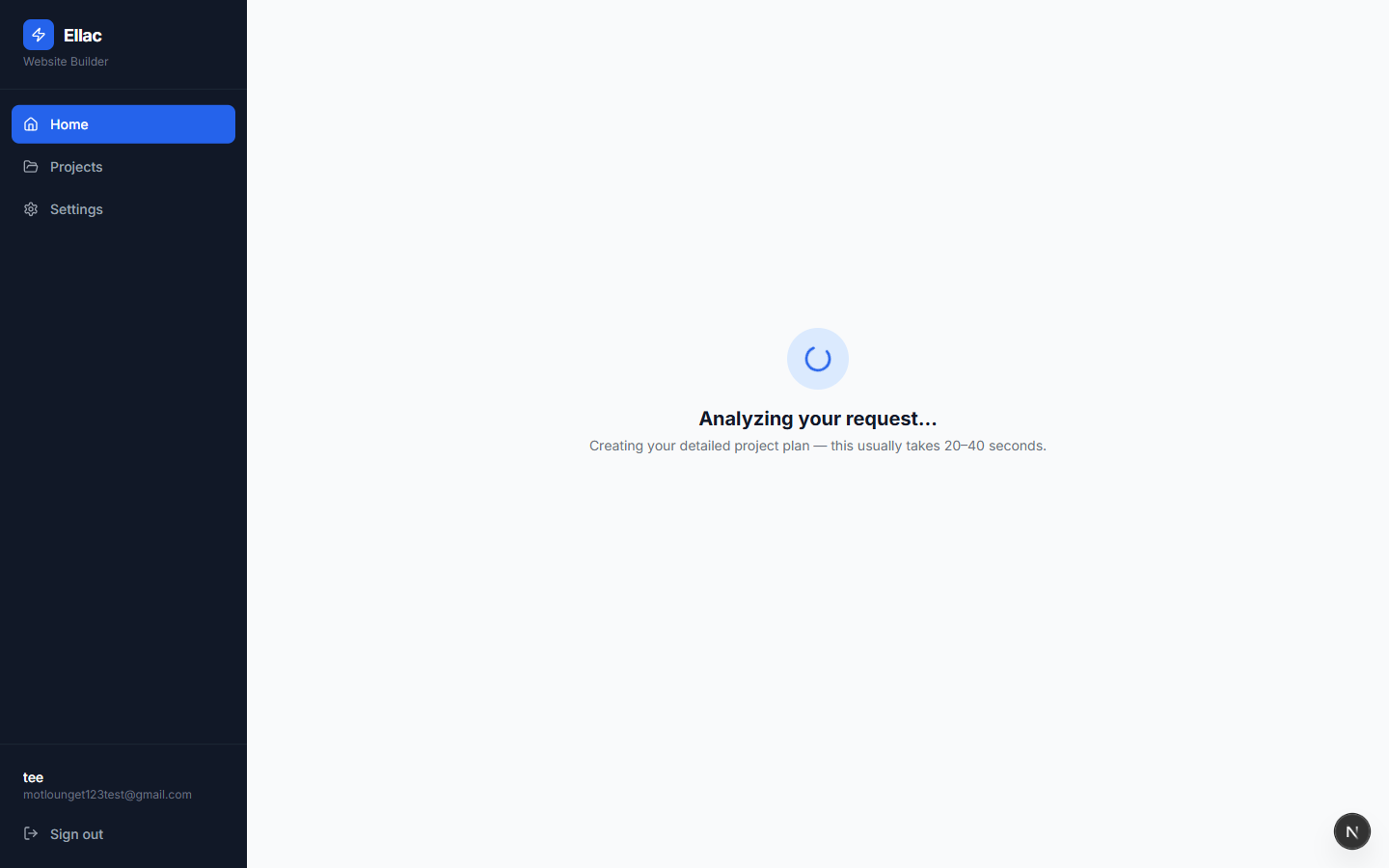
The plan is written
Twenty to forty seconds, with the plan streaming as it is produced so the wait is visible rather than a spinner in the dark.
- 06
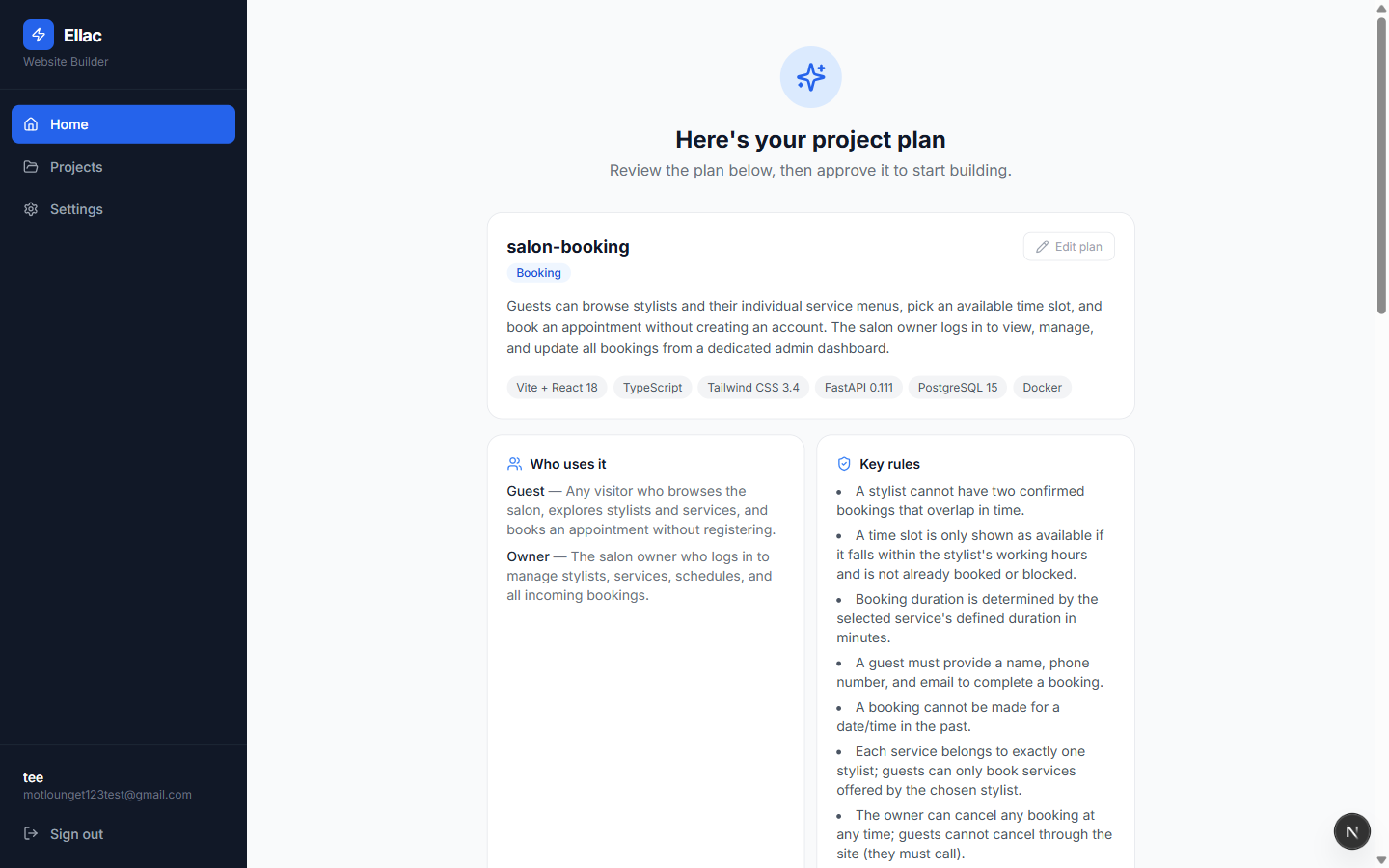
The plan, in review
A named project with a summary, the stack it will use, who the users are, and the business rules it intends to enforce — including the guest-booking decision made two steps earlier.
- 07
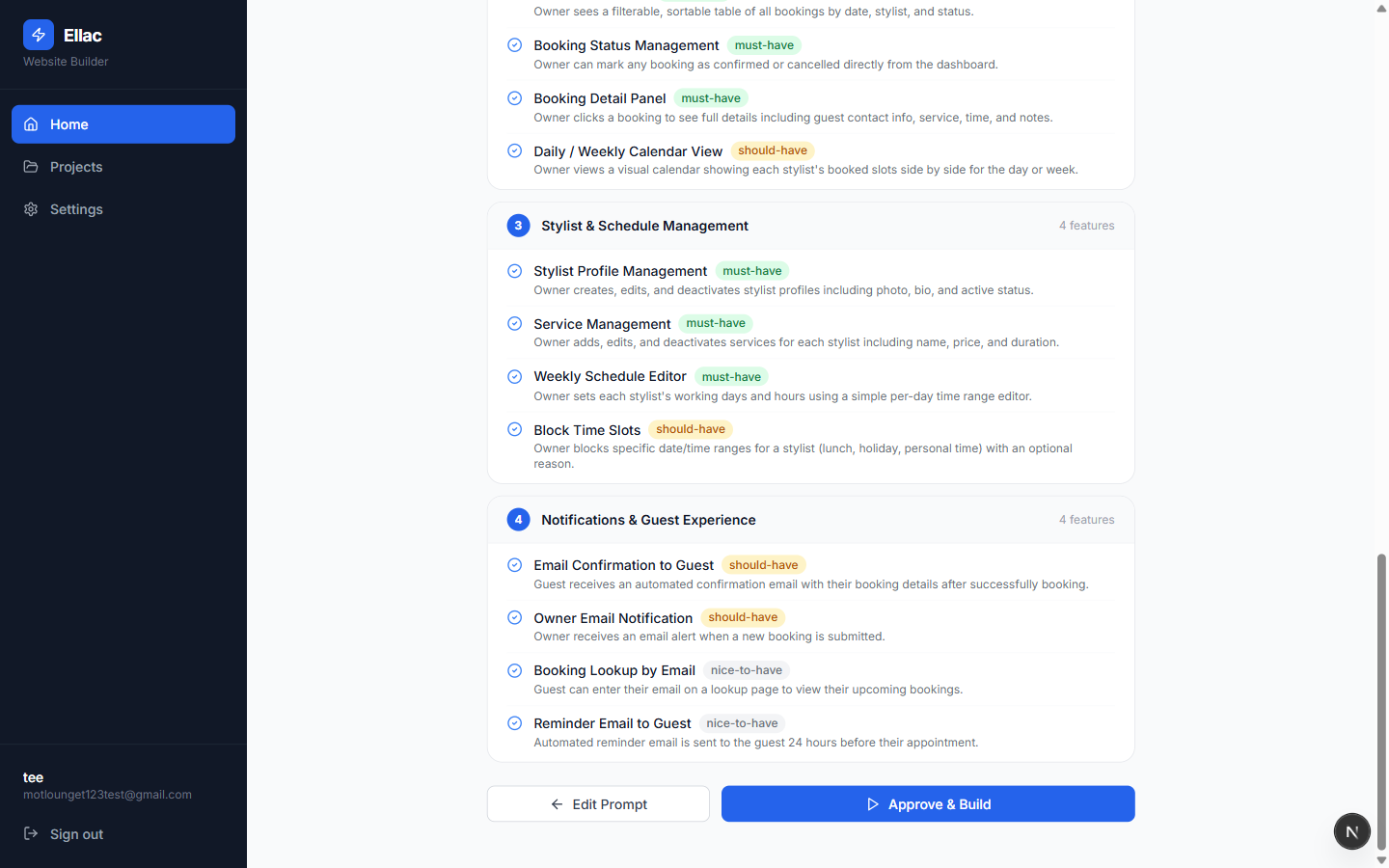
Features, grouped and prioritised
Every feature is sorted into a group and tagged must-have, should-have or nice-to-have. This is the moment to disagree — you can edit the prompt and re-plan, or approve and start building.
- 08
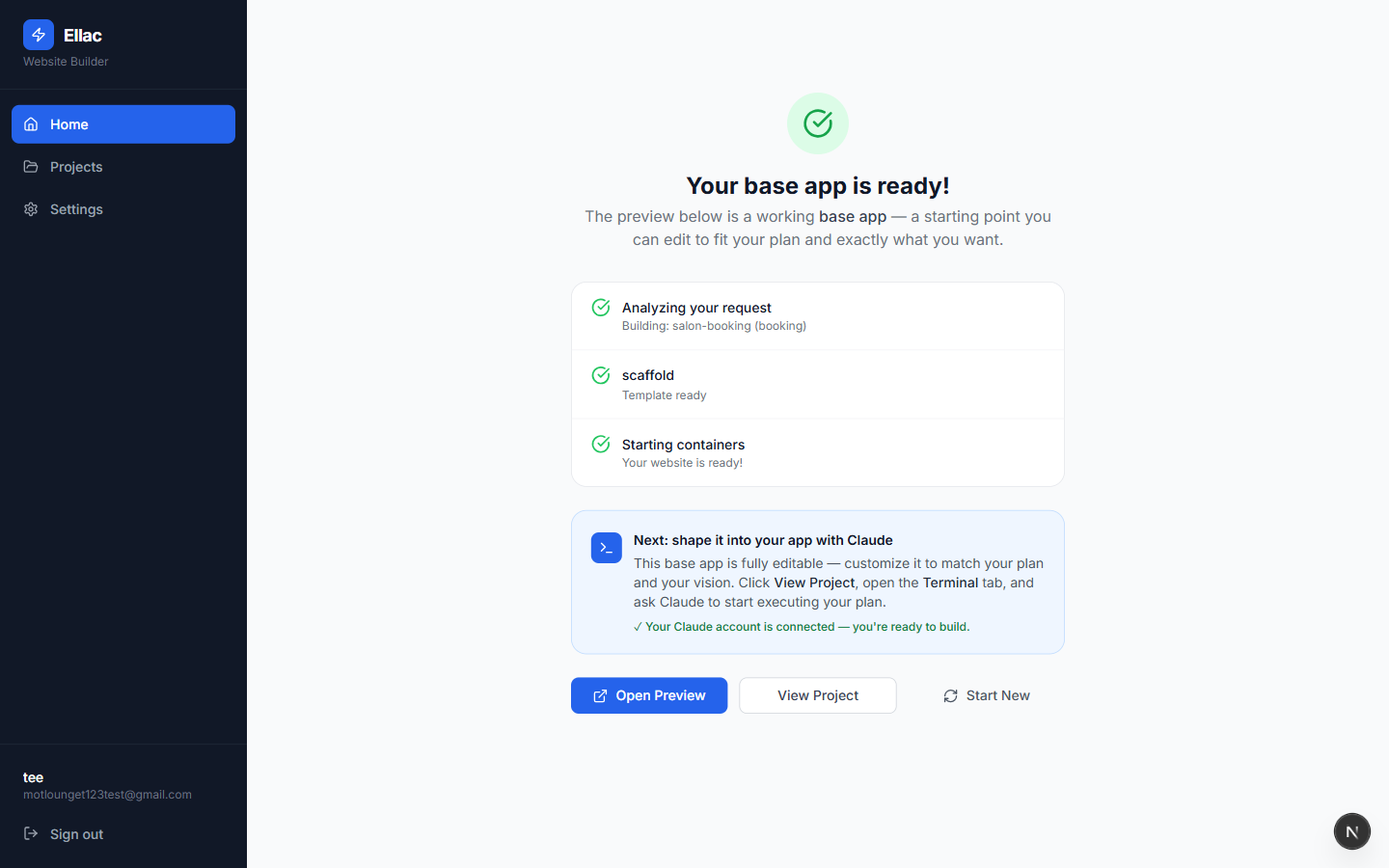
The base app is running
Approving scaffolds a working starter and starts its containers. It is deliberately a starting point, not a finished product — the plan is what you build against next.
- 09
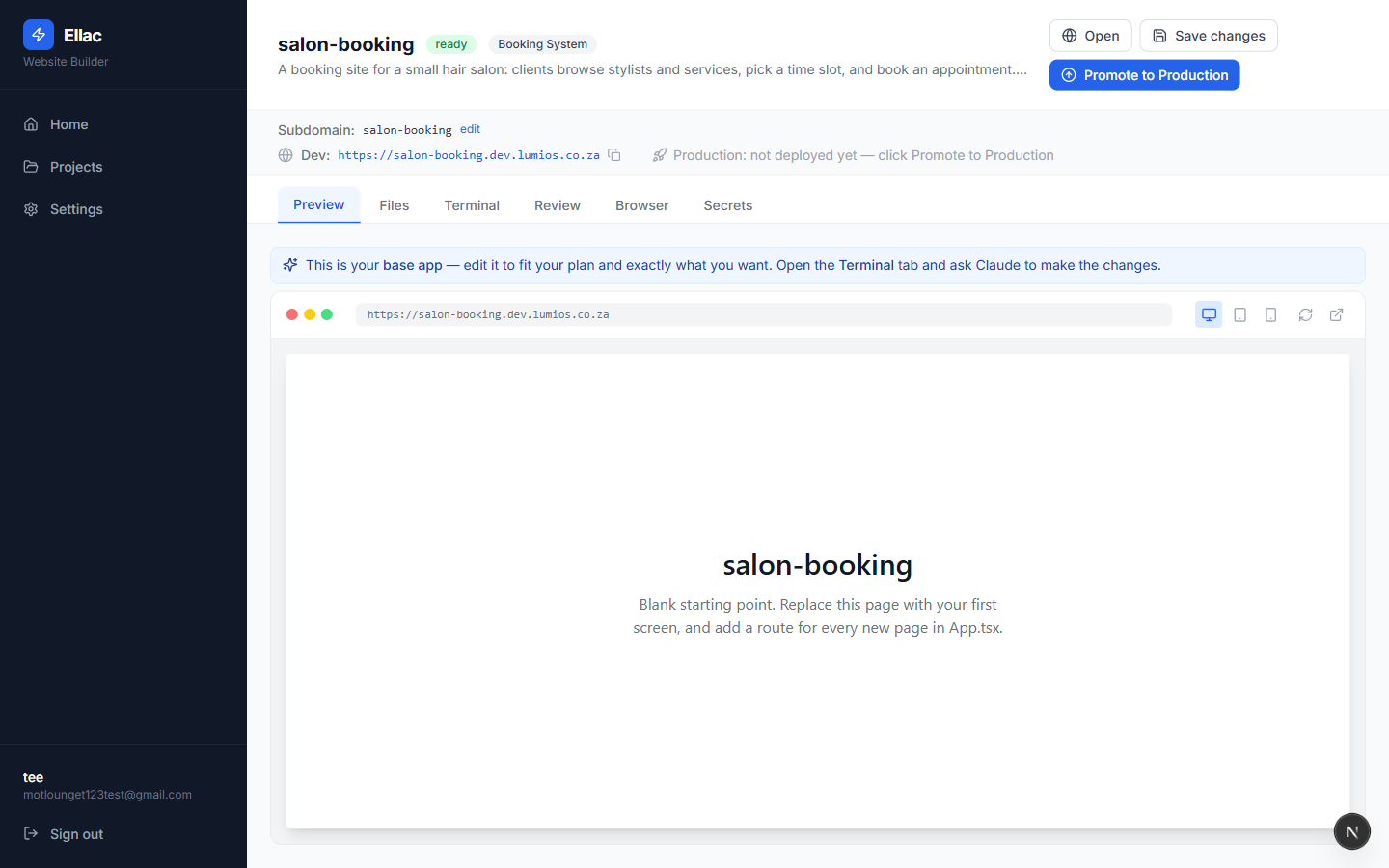
Your project workspace
A live preview on its own address, with tabs for files, the terminal, review, a browser and secrets. The app is already served and reachable at this point.
- 10
Connect your Claude account — once
Before the terminal will do anything, Settings needs your own Claude subscription connected, so builds and terminal sessions run under your account and your usage. It is a one-time step: choose to connect, authorize on Claude's own sign-in page, and paste the code back. Expo is separate and only needed if you want a mobile app as an installable Android APK.
Note. This account was already connected when the walkthrough was captured, so the panel shows the Connected state. A new user sees a Connect button in the same place, followed by the authorize-and-paste-code step.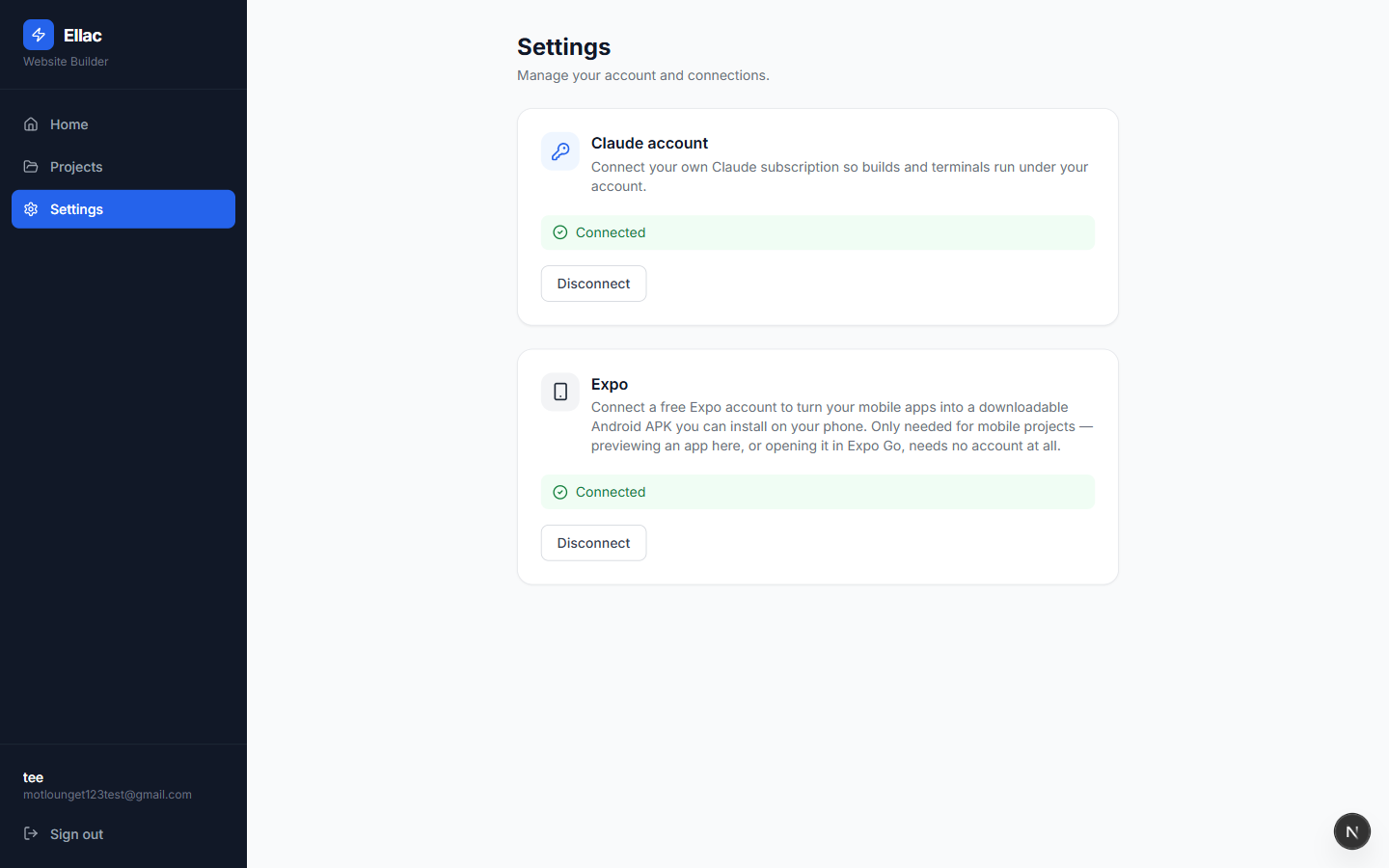
- 11
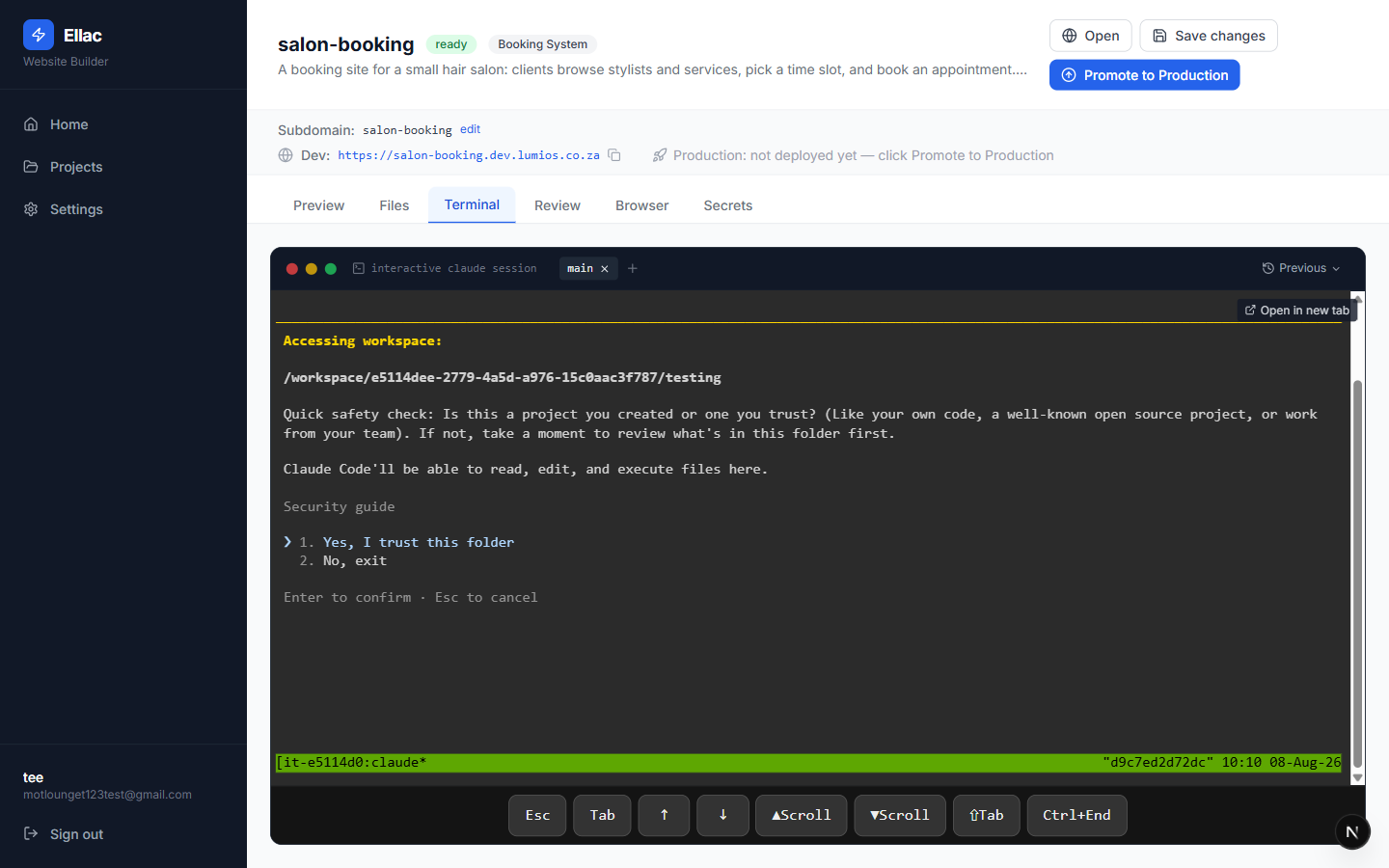
A Claude session, inside the project
The Terminal tab opens Claude directly in the project workspace — this is where the app gets built out from the plan. It confirms access to the folder before touching anything.
- 12
Claude builds against the plan
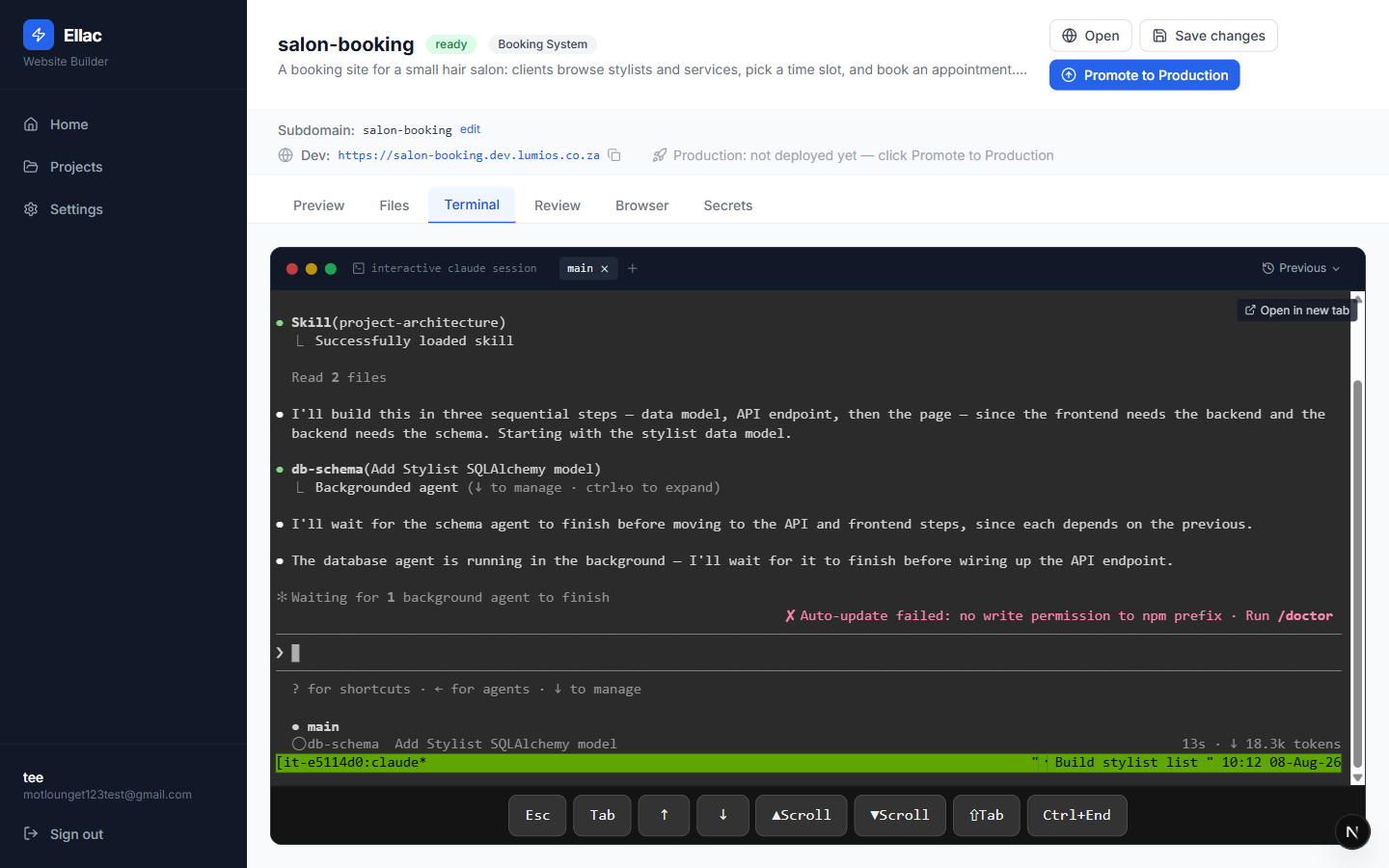
It reads the project architecture guide, breaks the work into data model → API → page, and hands the schema step to a specialist agent. You watch it work rather than waiting on a black box.
Typed by the userBuild the stylist list page from PLAN.md as my first screen
- 13
Review, for the parts worth seeing
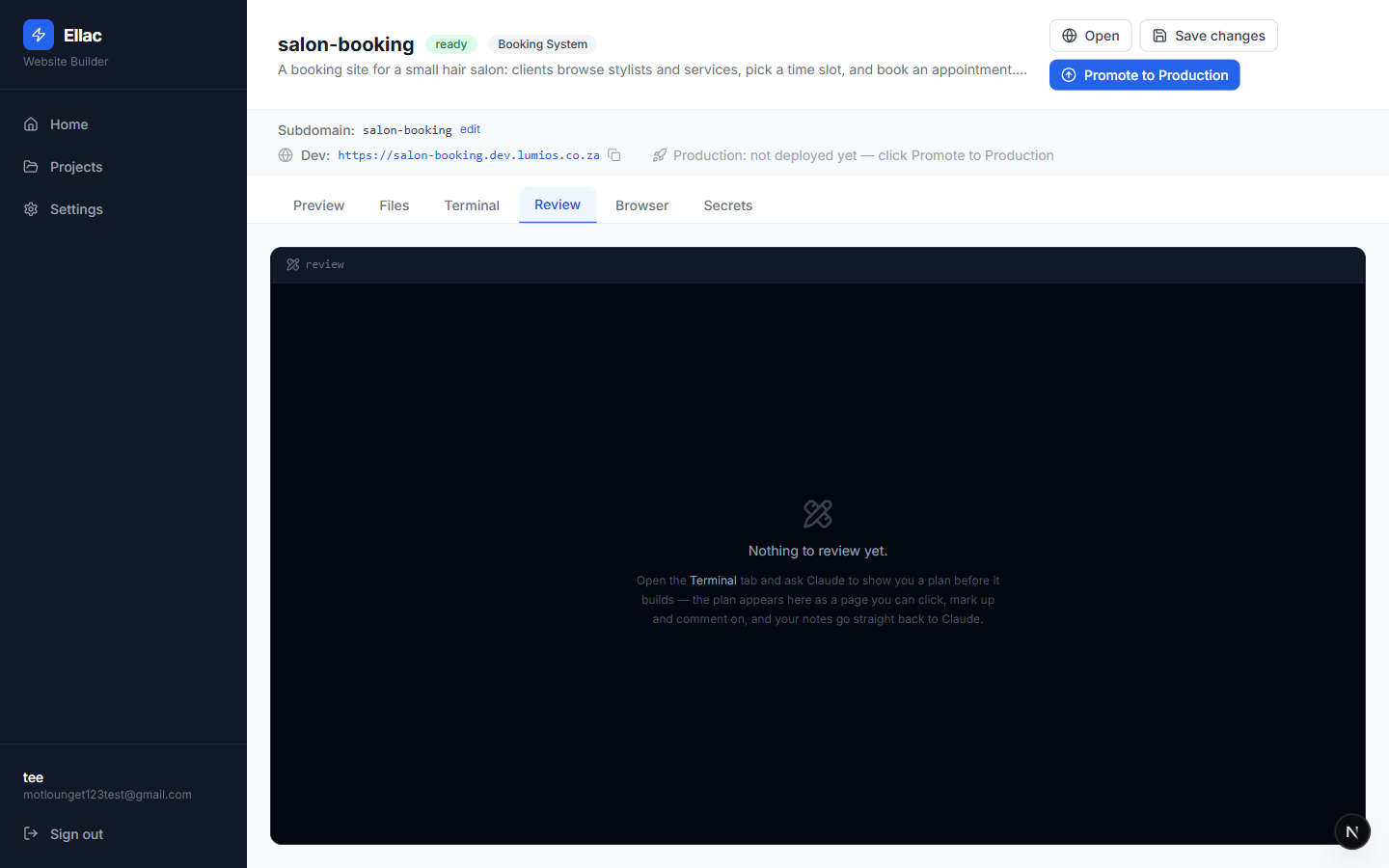
Before building anything substantial, Claude can put a plan here as a page you click, mark up and comment on — your notes go straight back to it, instead of a wall of text in a terminal. It starts empty; the next step is how you fill it.
- 14
Ask for the plan before the build
You have to ask for this. Claude then writes the plan as a page instead of prose and waits: “I've put the plan in the Review tab — open it, click anything you want changed and leave me a note.”
Typed by the userBefore you build the booking page, plan it by making use of the lavish editor so I can review it
Note. Worth knowing: this arrived while Claude was mid-task, so it queued the request and carried on. Adding “stop the current work, right now:” in front of it is what made it switch immediately.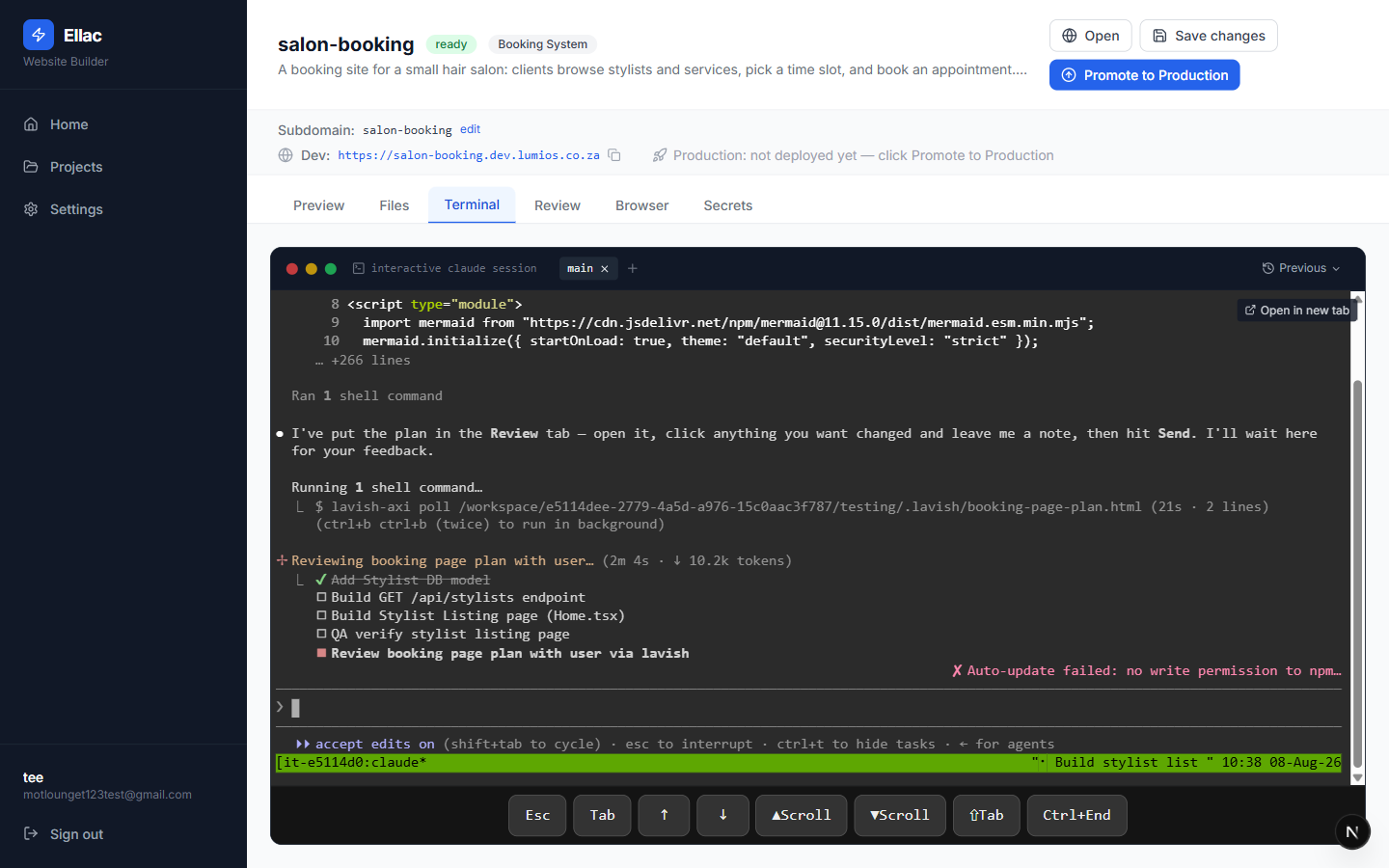
- 15
The plan, as something you can click
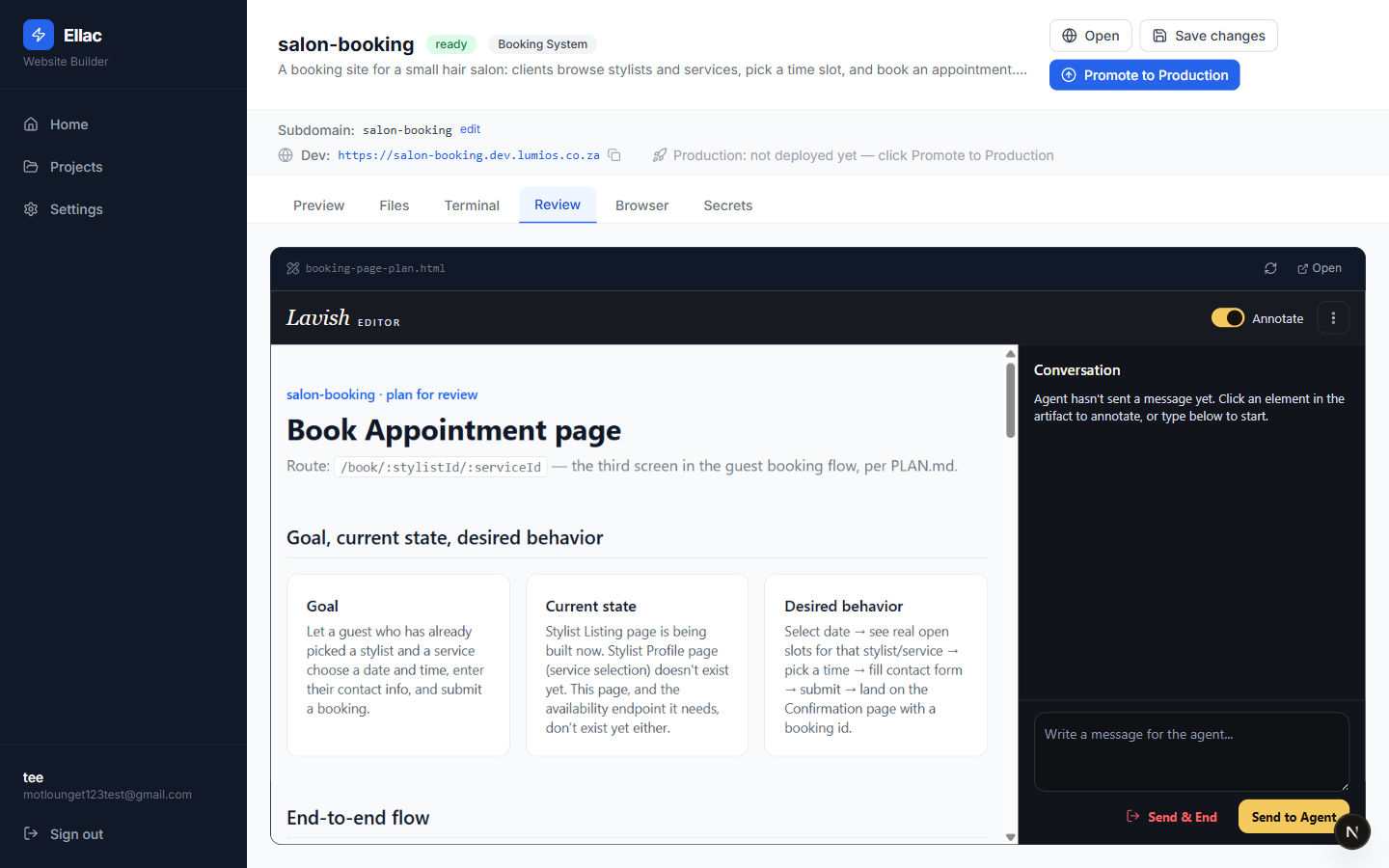
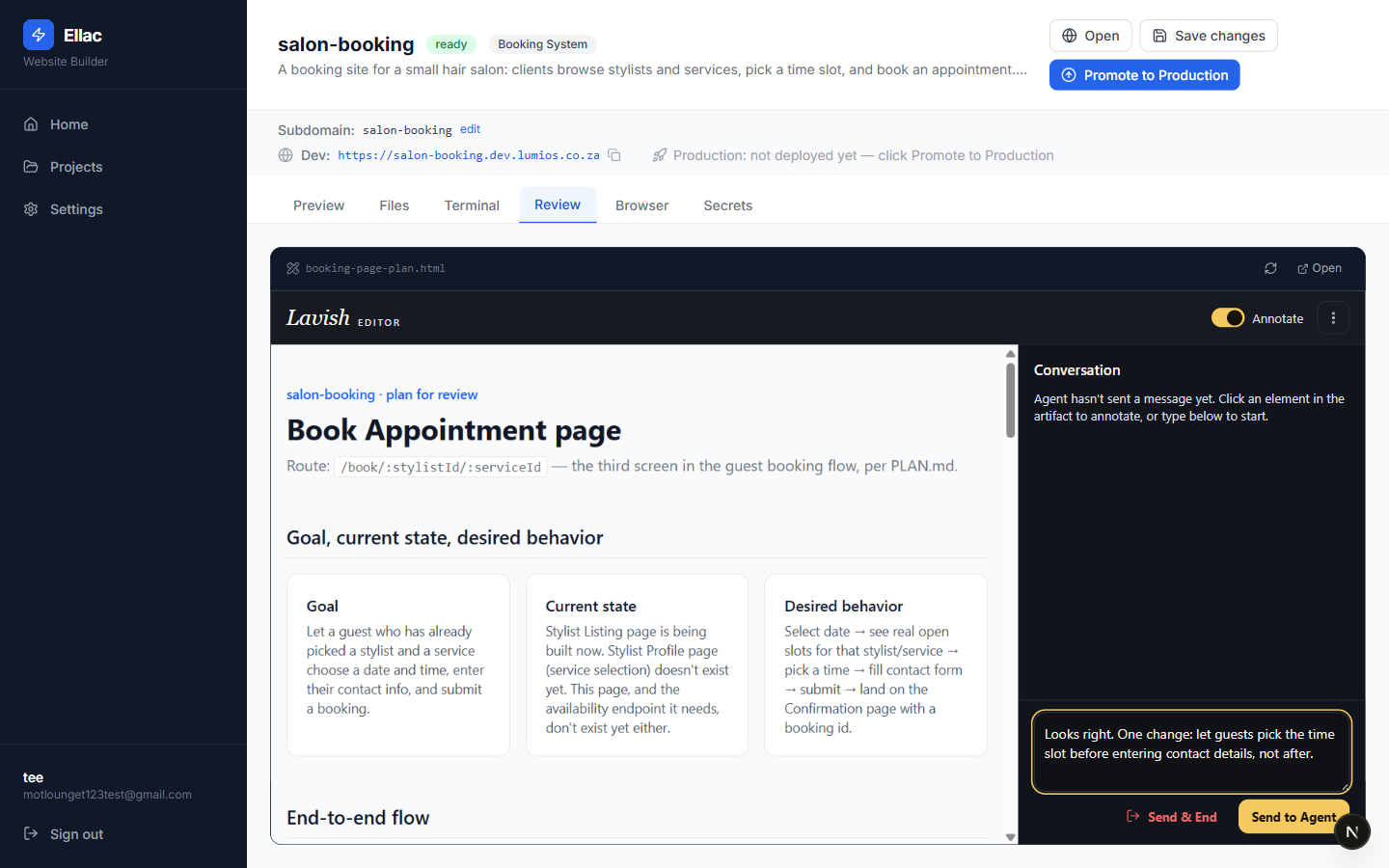
The Review tab now holds a real plan for the booking page — the route it will live on, the goal, what exists today, and the intended behaviour — with an annotation panel beside it.
- 16
Say what you want changed
Click any part of the page to attach a note, or type a message. A product decision, expressed the way a non-developer would express it.
Typed by the userLooks right. One change: let guests pick the time slot before entering contact details, not after.
- 17
It changes the plan, not the code
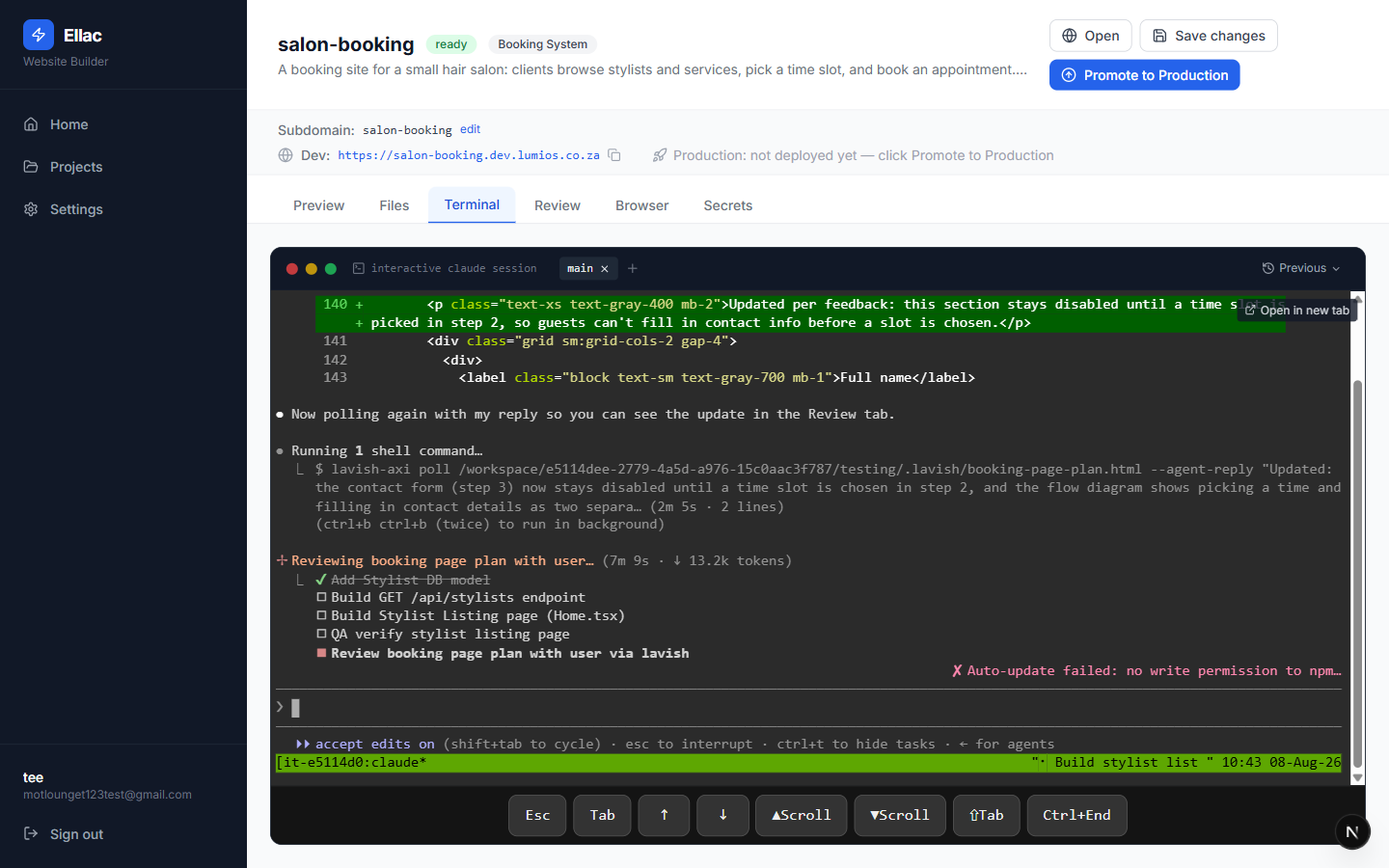
Claude picks the note straight out of the browser and revises the plan — the contact form now stays disabled until a time is chosen. Nothing has been built yet, which is the point: the correction costs seconds instead of a rebuild.
- 18
The loop closes
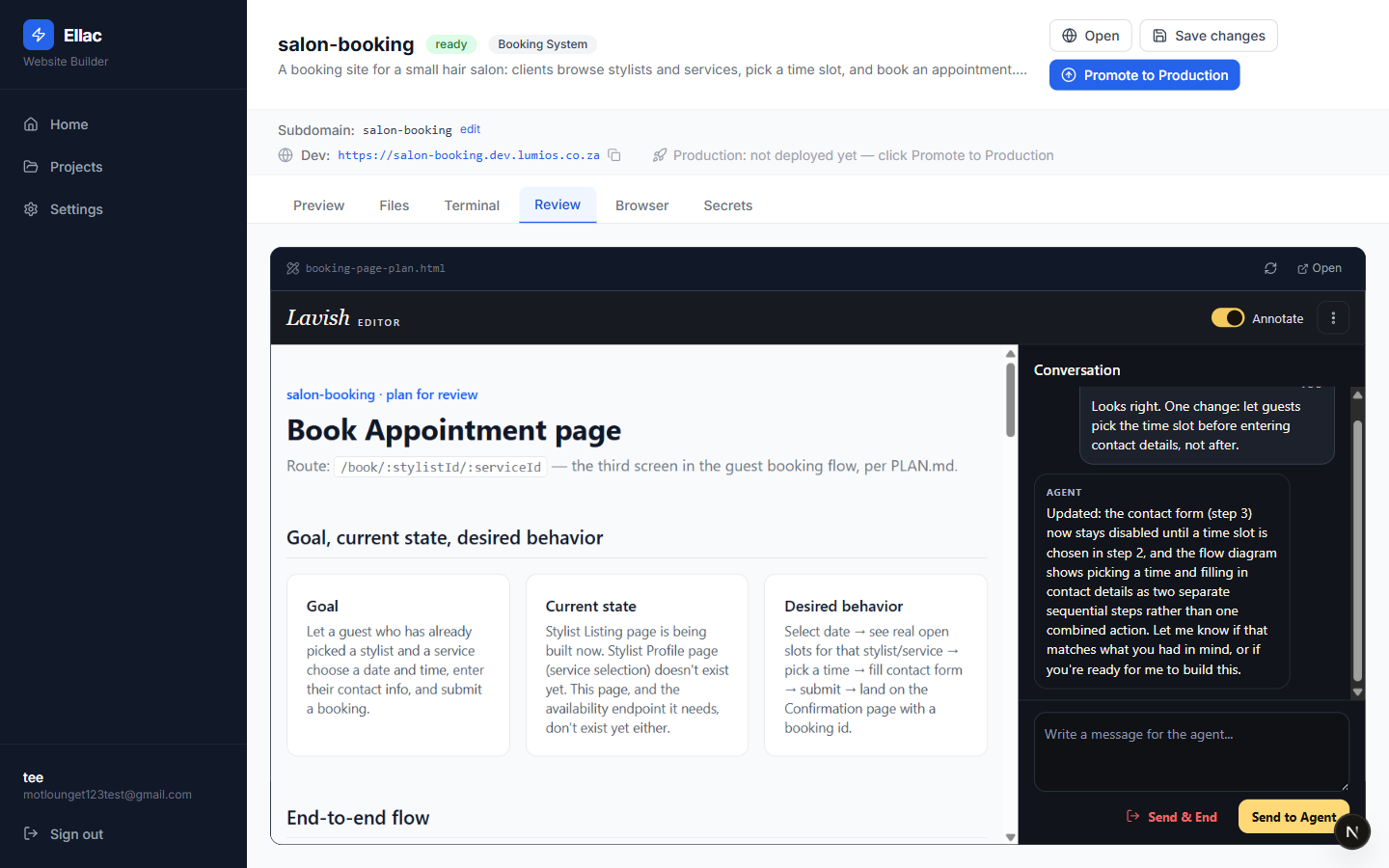
Its reply appears in the same panel: what changed, and a check that this is what you meant. You approve, or send another note. Only then does it build.
- 19
Open a browser it can drive
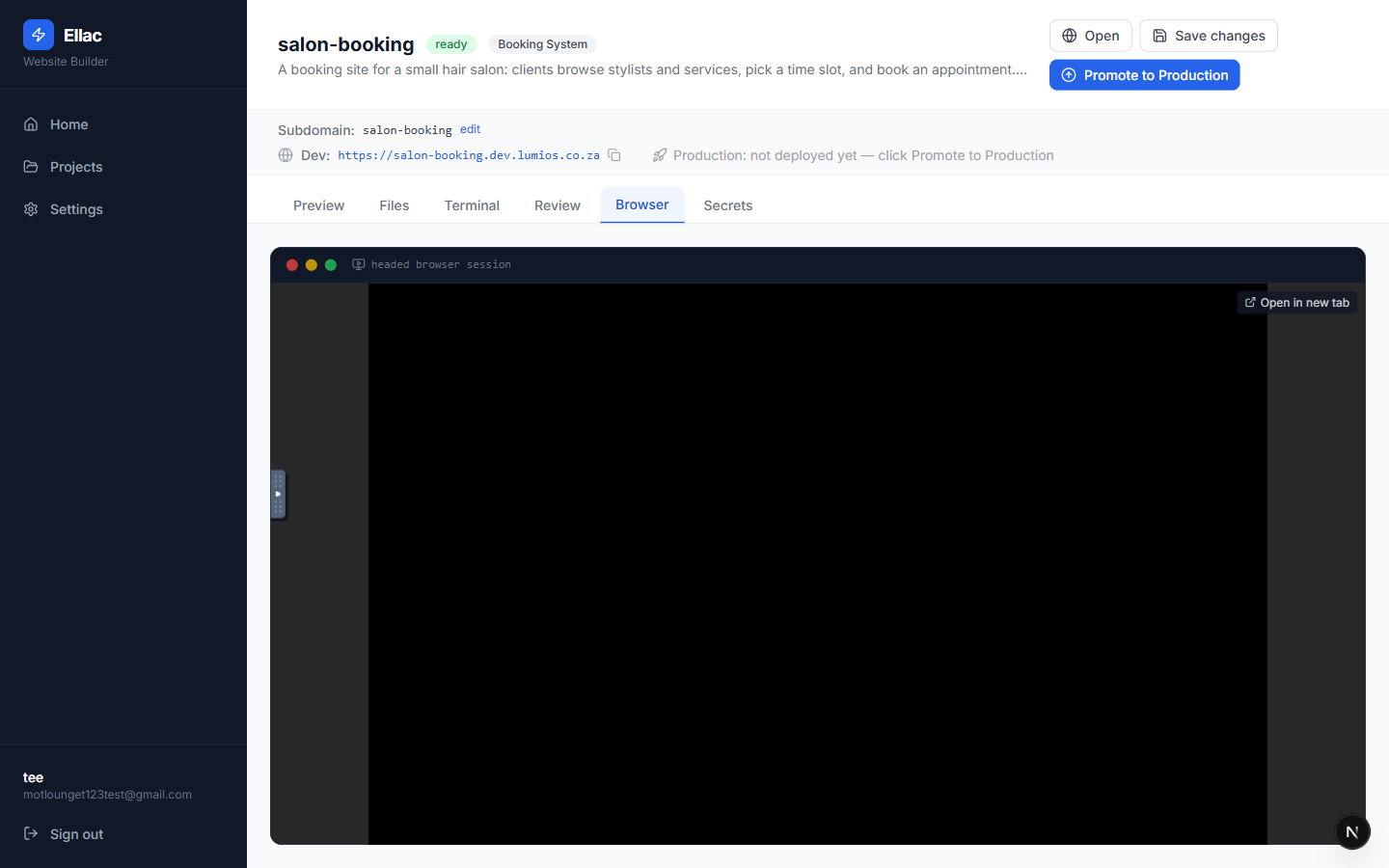
Testing starts with a connection. The Browser tab attaches you to a real browser running next to your app — empty until something opens in it. This is the screen you watch the tests happen on.
- 20
It opens your app in that browser
Ask it to test the site and it drives this browser for real — here the app is loaded at its own address, with the page, tab title and cursor all visible. Not a screenshot it took privately: the same window you are looking at.
Typed by the userNow test the app for me: write a Playwright test that opens the site in the headed browser on the display in .display so I can watch it in the Browser tab, then run it and tell me what you saw.
Note. That prompt ran the test, but the browser closed the moment it finished — so the tab went black again. Keeping the window on screen took a second, far more technical prompt: “open … in the headed Chromium on DISPLAY :100 with --no-sandbox and LEAVE it open on screen”. No ordinary user would write that, and it is the clearest gap in this flow today.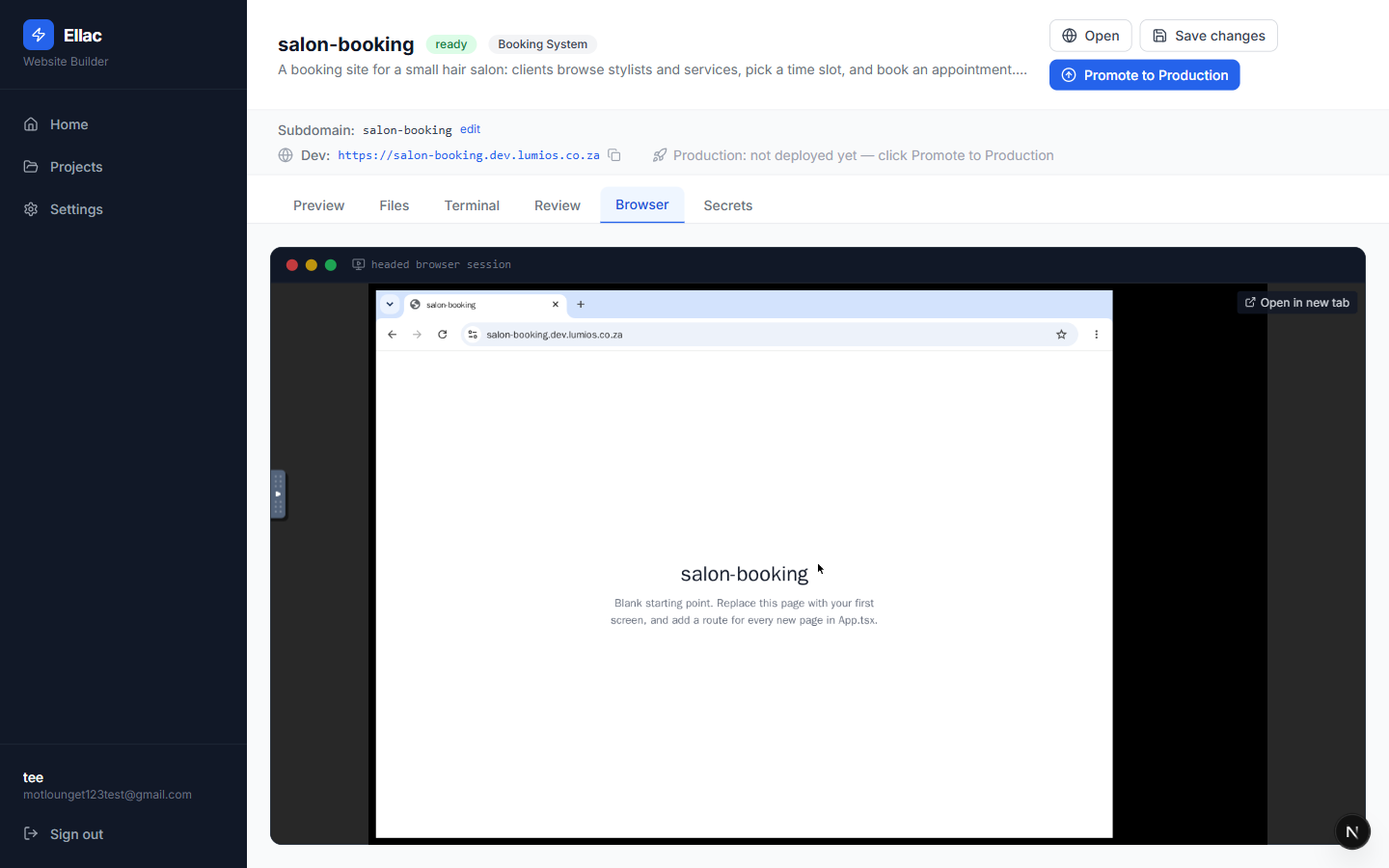
- 21
It tells you what it could and could not confirm
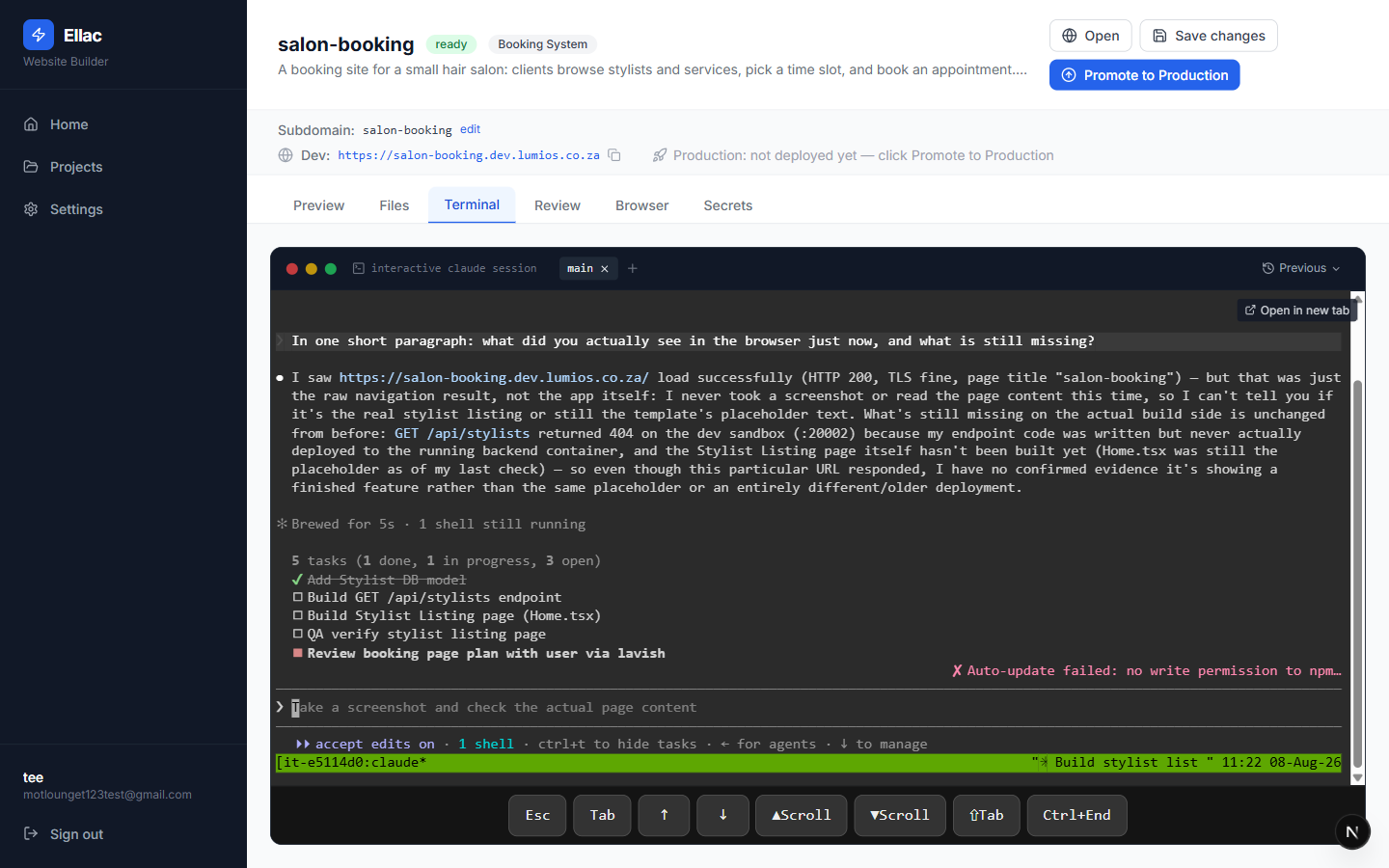
The useful part is the honesty. It reports the page loaded — HTTP 200, TLS fine, title “salon-booking” — then says plainly that it never read the page content, so it cannot claim the feature works, and names what is genuinely unfinished. A test that reports “passed” without checking is worse than no test.
Typed by the userIn one short paragraph: what did you actually see in the browser just now, and what is still missing?